Sell to shoppers already searching on eBay, with less manual work behind each order. Connect your eBay store to DSers to prepare products for listing and keep stock, order status, and tracking numbers in sync as you manage fulfillment.
With eBay dropshipping, you sell products through your eBay store while suppliers ship orders directly to your customers. DSers helps you manage the product and order tasks behind those sales.
Connect your eBay store to DSers to prepare products for listing, manage supplier orders, and sync stock, order status, and tracking updates back to eBay. Your customers continue shopping on eBay, while you handle these tasks in DSers with less manual copying between systems.
Manage eBay Products, Orders, and Store Updates
01 / Status
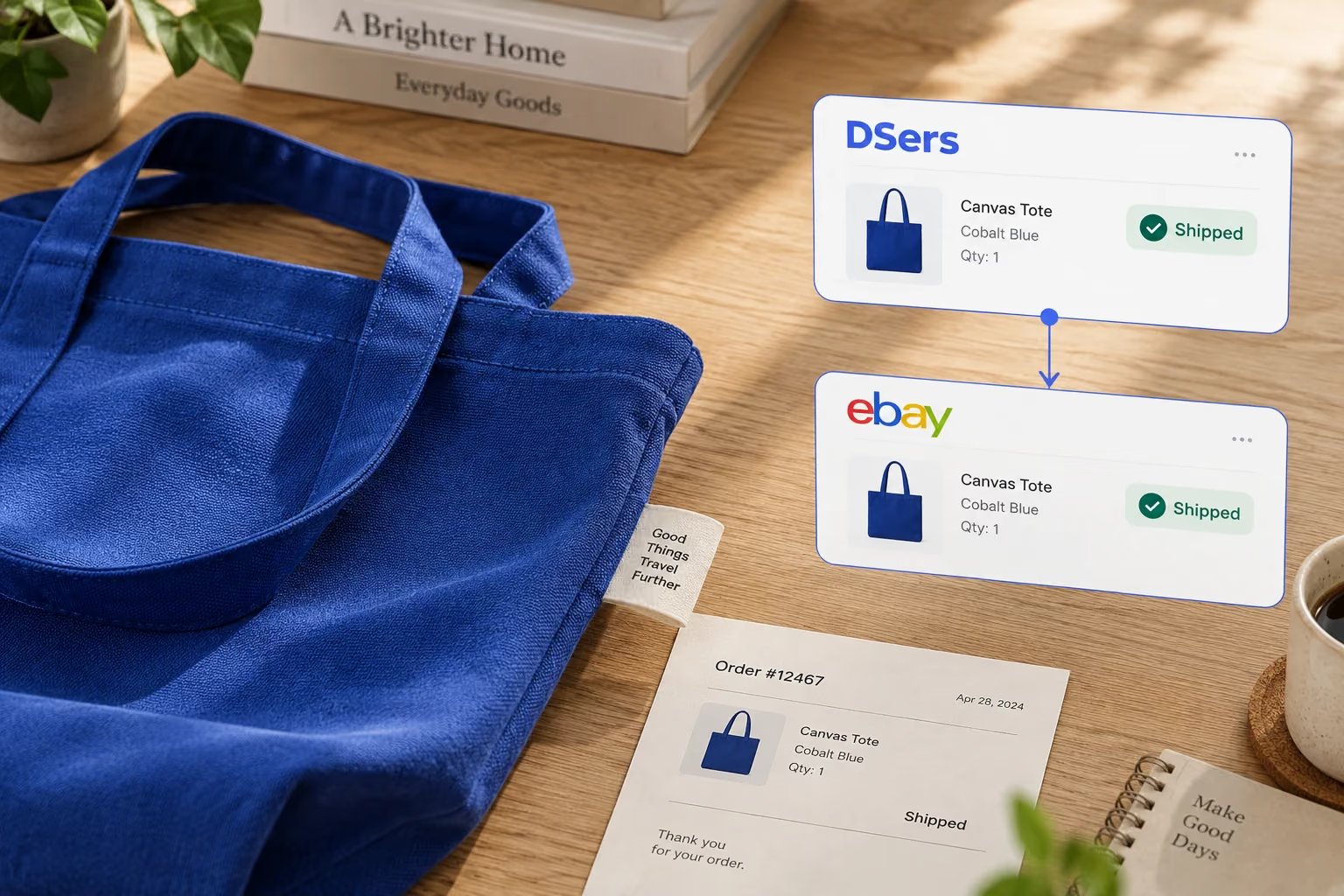
Keep eBay Order Statuses Up to Date
DSers automatically syncs supplier order status changes to your eBay store, reducing the need to update each order by hand. This helps you keep eBay order records current as suppliers process orders and move them toward shipment.
02 / Stock
Keep Listings Aligned with Supplier Stock
Supplier availability can change while your eBay listing is still accepting orders. DSers monitors inventory changes and can update store stock or mark products out of stock. This reduces manual stock checks and helps keep the availability shown on eBay aligned with your supplier's inventory.
03 / Track
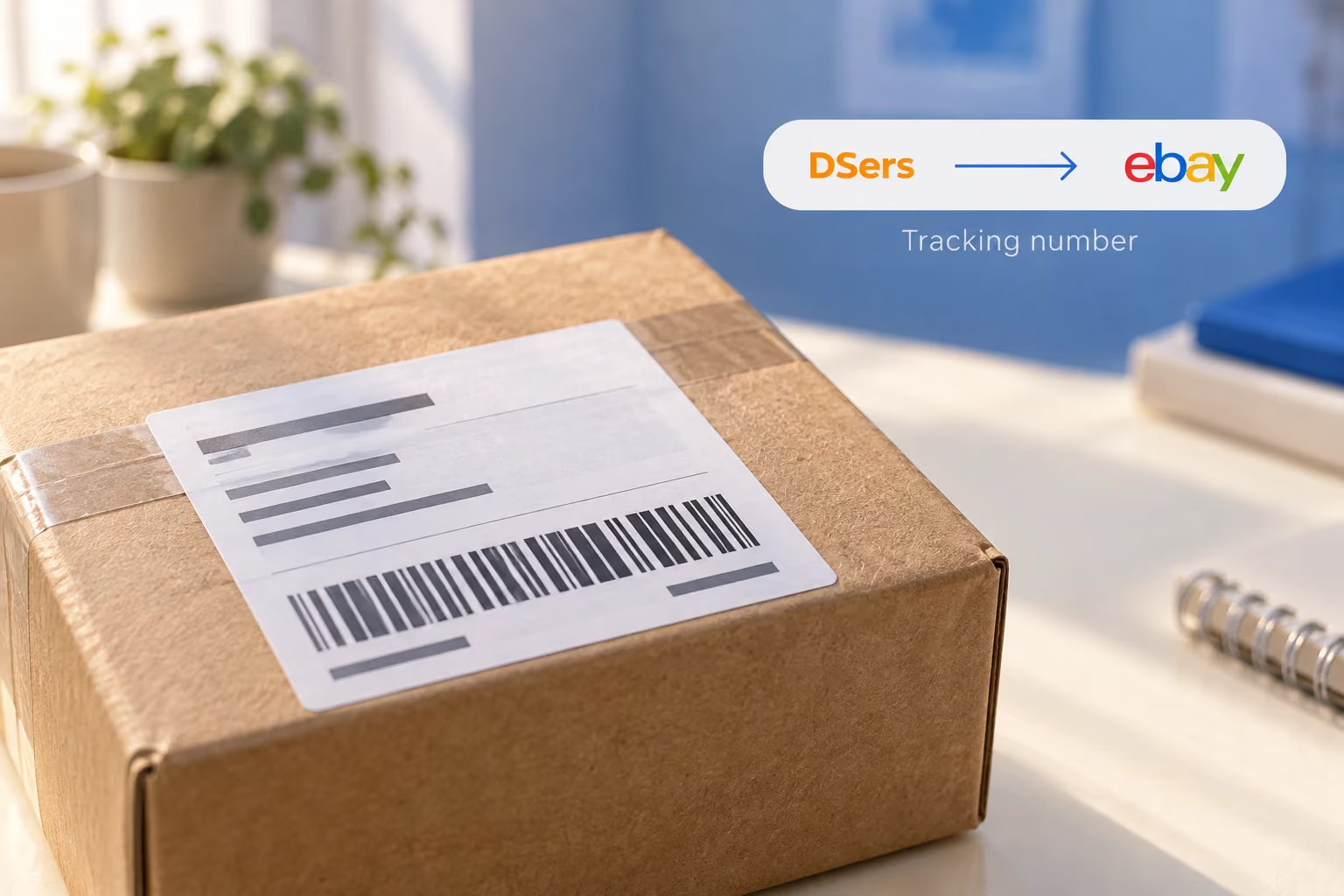
Bring Tracking Back to eBay
Once a supplier ships and provides a tracking number, DSers retrieves it and syncs it to your eBay store. Buyers can access shipment information through eBay, while you avoid copying individual numbers between order records. DSers handles the tracking update; the supplier and carrier handle shipping and delivery.
04 / Scale
Manage More Than One eBay Store
Connect multiple eBay stores to one DSers account and switch between them to manage products, process orders in bulk, and follow shipments. For example, you might sell clothing through one eBay store and homeware through another. DSers lets you switch between those stores to work on their respective products and orders without moving to a different DSers account.
Less Copying Between Systems, More Time for Your Listings
See which order, stock, and tracking updates DSers can handle for your connected eBay store.
Daily task
Managing updates manually
With DSers connected
Order progress
Check supplier progress and update eBay records yourself.
Sync supplier order status changes to eBay.
Stock changes
Review availability and revise store inventory yourself.
Use inventory monitoring and automatic store stock updates.
Shipment details
Copy tracking numbers into the corresponding eBay orders.
Sync available supplier tracking numbers to eBay.
Use the time you recover for work that still needs your judgment: improving product information, assessing suppliers, and responding to customers.
Publishing on eBay requires more than a product title and photos. Listings also need the business policies, shipping location, and package details required by the eBay site you sell on.
In DSers, you can prepare product information and these eBay-specific settings before publishing. This helps you handle listing preparation alongside your other product tasks, including when you sell through different eBay sites.
Business policies must match the target site. For example, policies created for one eBay site may not be available when you prepare a listing for another. Payment, return, and shipping policies therefore belong to the listing's target market, rather than one universal set of store settings. eBay's category requirements and selling limits still apply.
Yes, eBay permits fulfillment directly from wholesale suppliers. Listing an item and then buying it from another retailer or marketplace to ship directly to the customer is not allowed. You remain responsible for delivery and buyer satisfaction. Read eBay's dropshipping policy.
What does the DSers eBay integration support?
DSers connects your eBay store for product preparation and publishing, order management, stock updates, and tracking-number sync. It also supports managing multiple connected eBay stores from one account.
Does DSers handle shipping and delivery?
The eBay integration manages order information and syncs available tracking numbers. Your supplier ships the order, and the carrier delivers it. As the eBay seller, you remain responsible for meeting the delivery terms in your listing and supporting your customers.
Why might a product fail to publish on eBay?
Missing required settings, unmet category requirements, or eBay selling limits can prevent a product from being published. The error message helps identify whether the listing details need attention or an eBay account restriction applies.
Do I need a supplier account before connecting eBay?
No. You can connect your eBay store first and add a supplier account afterward. Choose a sourcing arrangement that complies with eBay's dropshipping policy.